Six hand-built cave biomes
Every biome has its own terrain, blocks, ambient particles, fog, light colour and soundtrack, created by a dedicated art and sound team.
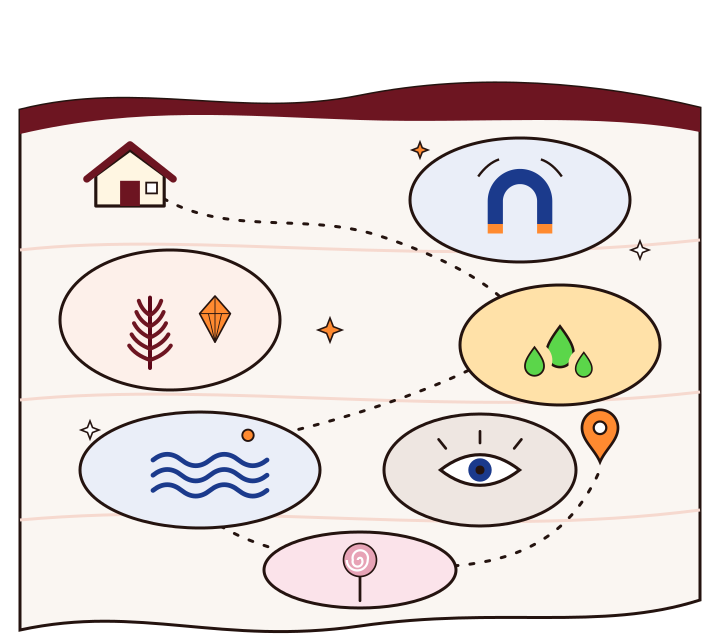
Alex's Caves adds magnetic caverns, a prehistoric jungle, radioactive tunnels, a deep-sea trench, a pitch-dark hollow and a cave made of candy. This site explains how to install it, how to find each biome and how to download it safely.
Java 1.20.1official target
6 biomesall rare by design
Needs Citadelshared library
Alex's Caves is a large content mod for Minecraft Java Edition, created by Alexthe668 (AlexModGuy) with the artist Noonyeyz. It adds six cave biomes to the Overworld, each with its own blocks, items, creatures, lighting, fog and music.
The biomes are deliberately rare, about as uncommon as mushroom fields in vanilla Minecraft. Instead of hoping to stumble into one, you follow a trail: underground cabins, cave tablets, and maps that point the way.
People searching for "Alex Caves Mod" usually mean this project. The official name uses an apostrophe, Alex's Caves.
Want the details? Read the guide to all six biomes.
Each biome is built around one idea, and the items and creatures follow from it.
Every biome has its own terrain, blocks, ambient particles, fog, light colour and soundtrack, created by a dedicated art and sound team.
Underground cabins hold cave tablets. Research them into codices and craft maps that search thousands of blocks for a specific biome.
Magnetic tools and machines, hazmat protection for radiation, diving gear for the deep, and gingerbread armour from the Candy Cavity.
Dinosaurs you can tame or flee from, an underwater civilisation you can trade with, and bosses such as the Luxtructosaurus and Tremorzilla.
The mod description lists built-in compatibility with Just Enough Items for recipes and with Alex's Mobs from the same developer.
Five steps, in the order the mod intends you to take them.
Set up Forge for Minecraft Java 1.20.1 and add both the Alex's Caves and Citadel jars to your mods folder.
These small structures sit below the surface in most Overworld biomes and hold a Spelunkery Table and a barrel of cave tablets.
Use the Spelunkery Table to turn tablets into Cave Codices and unlock chapters of the Cave Compendium.
Combine a codex with eight paper, then use the map to scan roughly 10,000 blocks for its biome.
Follow the map, pack for the biome's hazards, and dig down into a cave nobody else has mapped.
Because the biomes are rare and tracked down with maps, finding one feels like an expedition rather than a detour. It rewards preparation and long journeys.
A large content mod with its own progression, often used as an exploration pillar in Forge 1.20.1 packs.
Shared expeditions work well, as long as the server and every player use matching files.
Each biome brings its own block palette, from metallic and prehistoric to sugary.
This mod isn't for you yet, and we'd rather say so. Here's why, and what exists instead.
Based on the developers' official release. Community ports are listed separately, because they are made by other people.
| Setup | Status | Notes |
|---|---|---|
| Java 1.20.1 with Forge | Official | The release target. Needs the Citadel library. |
| Java 1.20.1 with NeoForge | Listed | Some official file listings also tag NeoForge 1.20.1. Check the file page. |
| Java 1.21.1 | Ports only | Unofficial community ports exist. See the 1.21.1 guide. |
| Fabric or Quilt | No official build | A third-party continuation claims Fabric builds. See the Fabric guide. |
| Bedrock, MCPE, consoles | Not available | Java mods can't run on Bedrock. |
| Shader packs | Not recommended | They can override each biome's fog and lighting. |
| Just Enough Items, Alex's Mobs | Built in | Compatibility listed in the mod description. |
Nine guides cover setup, versions, exploration and fixes.
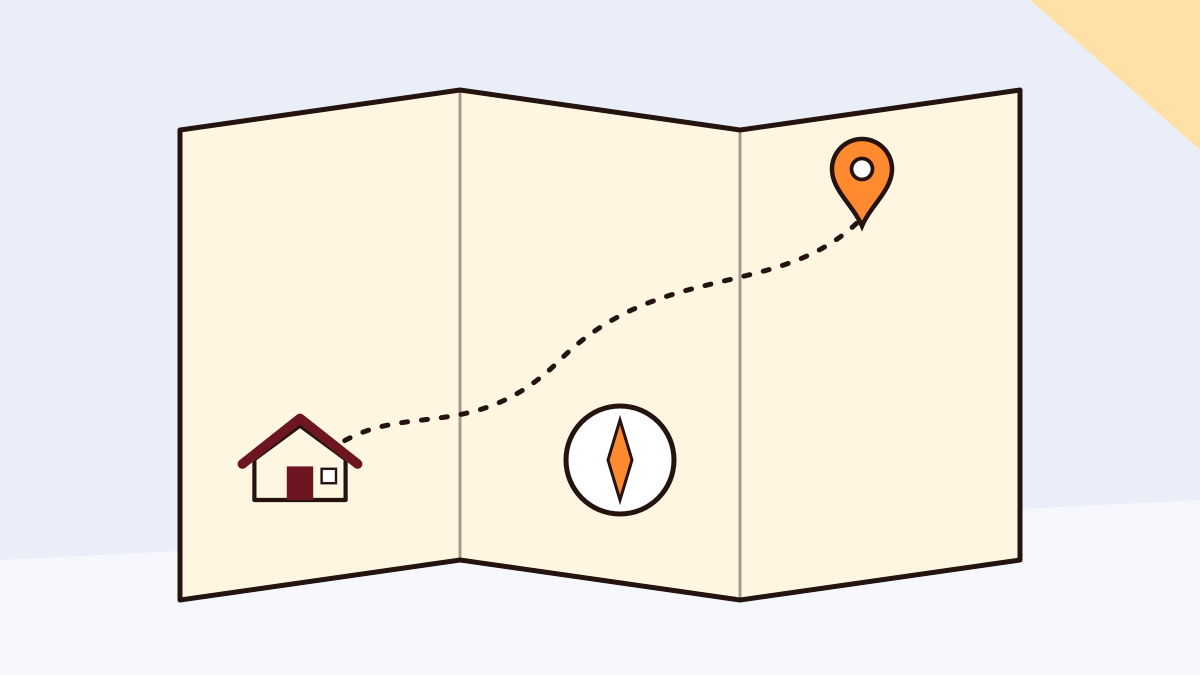
Underground cabins, cave tablets, codices and maps: the full route from spawn to a rare biome.
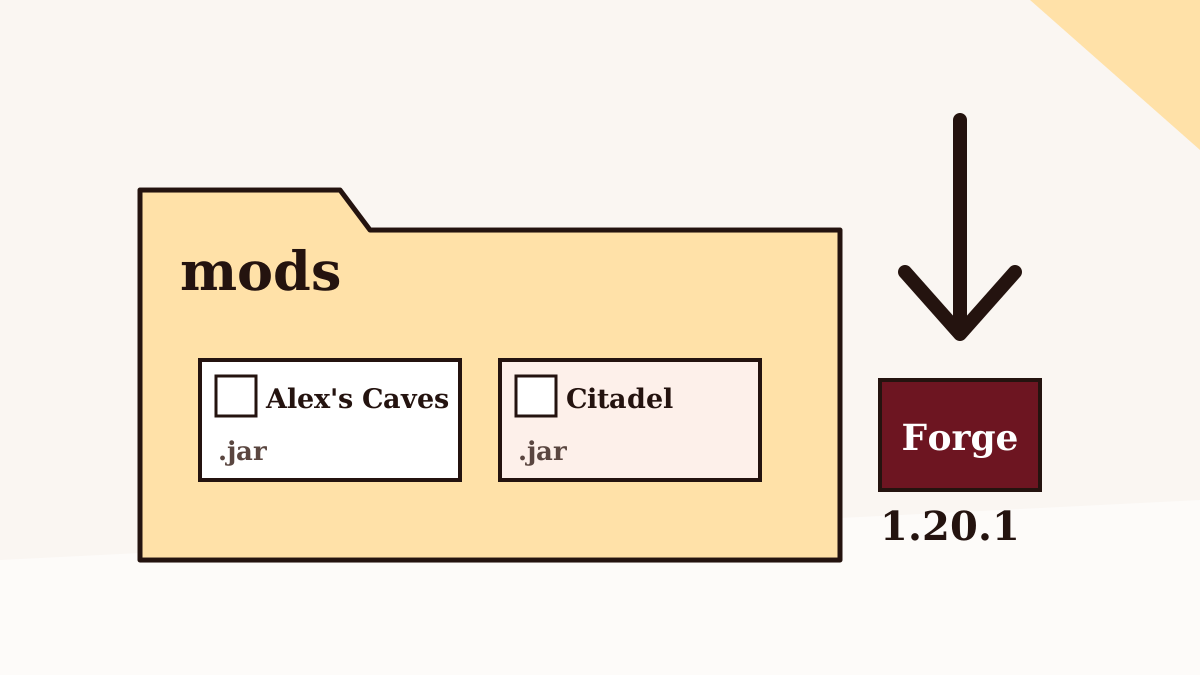
Forge, Citadel and the mods folder, in the order that avoids the usual first-launch errors.
Missing Citadel, wrong version, Java errors and memory crashes, diagnosed from the error you see.
The short version. The full installation guide covers launchers, servers and first-launch checks.
The archive in the download section is source code. To play, use a compiled release jar for your Minecraft version.
The official release doesn't load on other Minecraft versions or on Bedrock.
Run the Forge installer once, or create a Forge instance in your launcher.
Two .jar files, both for Forge 1.20.1, from the official project pages.
Leave them zipped. Don't rename or extract them.
Both should appear. Then create a new test world.
The server and every player need the same versions.
This button downloads a ZIP of the Alex's Caves project from the AlexModGuy/AlexsCaves repository on GitHub, taken from its main branch.
Before you open it: this archive is the project's source code, not a playable
.jar. It won't load from your mods folder as it is. For playing, use a compiled release for
your game version; our safe download guide explains where the official release
files are published.
The main branch can differ from the latest published release. This site is not affiliated with the mod's developers.

Taken from the mod's official project pages when we checked in September 2026.
Release details can change after our check. The official project pages are the authority on the current version.
More detail, and more problems, in the crash and error guide.
Add the Citadel jar for Forge 1.20.1 to the same mods folder. If it's already there, it's probably the wrong version.
Check that you launched the Forge 1.20.1 profile, not vanilla or Fabric, and that the file ends in
.jar.
That archive is source code. Remove it and use a compiled release jar instead.
Give the instance more memory. See the performance guide for sensible amounts.
Turn off shader packs. They often replace the biomes' own fog and lighting.
Your mod and Citadel versions must match the server's exactly.
Twenty answers, split between getting the mod running and playing it.
Yes. The mod is distributed at no cost on its official project pages, and this guide site doesn't charge for anything either.
It downloads a ZIP of the main branch of the AlexModGuy/AlexsCaves GitHub repository. That's the mod's source code, useful for reading or building it. It is not a ready-to-play jar, so it won't load if you drop it into your mods folder.
The official release targets Minecraft Java Edition 1.20.1. The latest official file we found when checking in September 2026 was 2.0.2, uploaded in October 2024.
Yes. The official build is a Forge mod, so you need a Forge installation for Minecraft 1.20.1. Launchers such as CurseForge or Prism can set that up for you.
Citadel is a shared library used by the developer's mods. Alex's Caves will not start without it, so place the Citadel build for Forge 1.20.1 in the same mods folder.
Not from the mod's developers. Alex's Caves is a Java Edition mod, and Bedrock can't load Java mods. Some Bedrock add-ons borrow the theme or the name, but they are separate projects by other creators.
There's no official Fabric build. Independent community ports claim Fabric support, but they're unofficial and come with their own dependencies. For the mod as released, use Forge 1.20.1.
Only through community ports that describe themselves as unofficial. The developers' own release line is for 1.20.1.
Yes. The mod has an official Modrinth project page as well as a CurseForge page, and both list the release files with their game version and loader.
Yes, for multiplayer. Alex's Caves adds blocks, items and creatures, so the server and every player need matching versions of the mod and of Citadel.
Six: the Magnetic Caves, Primordial Caves, Toxic Caves, Abyssal Chasm, Forlorn Hollows and Candy Cavity. All of them are rare on purpose.
Start by locating an underground cabin. Its barrel holds cave tablets, which you research into cave codices and then craft into cave biome maps that point to the biome.
Each tablet belongs to one biome, which is revealed once it is researched at the Spelunkery Table. The result, a Cave Codex, unlocks Compendium chapters and is the key ingredient for a cave map.
Craft one Cave Codex with eight paper. Hold the blank map and use it, and it scans a radius of about 10,000 blocks for its biome. The search can take a few minutes.
It's the mod's in-game guide book. Using codices unlocks four chapters per biome: general information, resources, inhabitants and utilities.
The biomes are rare by design. The map stays blank and can be reused, so travel a long way from where you tried and use it again.
The developers recommend playing without shaders, because many shader packs override the custom fog, lighting and colours each biome relies on.
Yes. The mod description lists built-in compatibility with Just Enough Items and Alex's Mobs.
Yes. Examples include the Luxtructosaurus in the Primordial Caves, the Tremorzilla linked to the Toxic Caves, and the Forsaken of the Forlorn Hollows.
You can, but new biomes and structures only generate in chunks created after the mod is installed, so you'll need to explore fresh terrain. Back up the world before you try.