Alex Caves Mod guides
Nine practical guides to installing, exploring and fixing Alex's Caves, written for players rather than search engines.
How to find Alex's Caves biomes
Underground cabins, cave tablets, codices and maps: the full route from spawn to a rare biome.
Read the exploration guide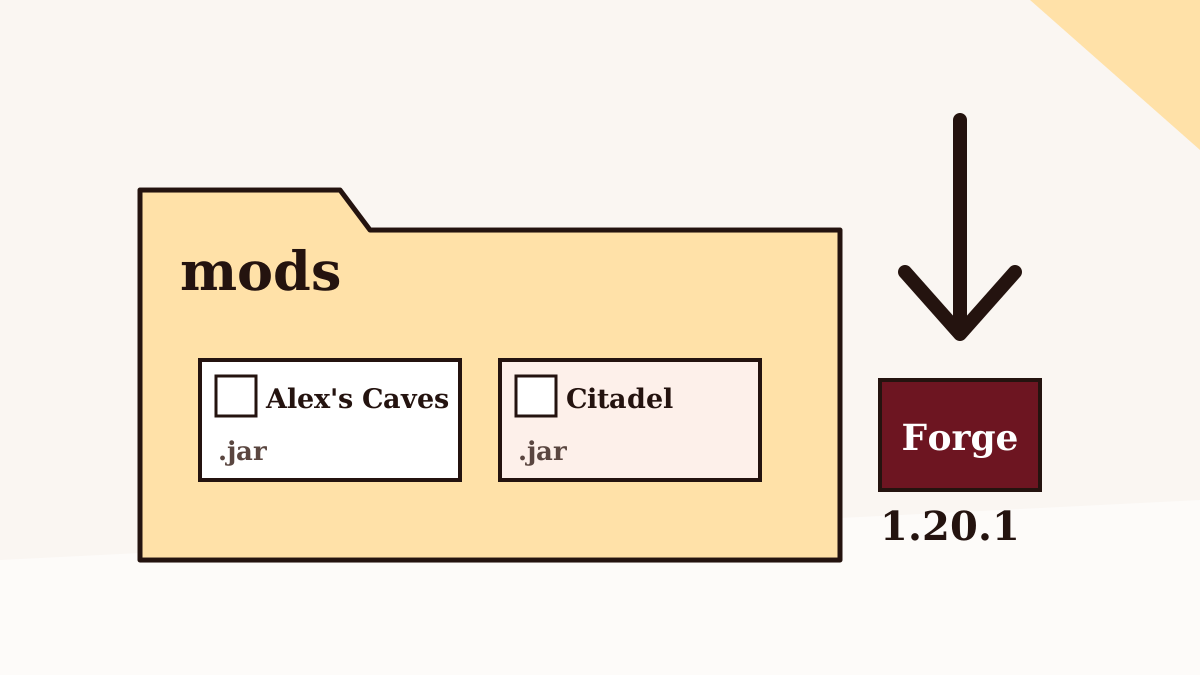
How to install Alex Caves Mod on Forge 1.20.1
Forge, Citadel and the mods folder, in the order that avoids the usual first-launch errors.
Read the setup guide
The six Alex's Caves biomes, explained
What each of the six caves is like, who lives there and what to pack before you dig down.
Read the biomes guide
Alex Caves Mod not working? Fixes for common problems
Missing Citadel, wrong version, Java errors and memory crashes, diagnosed from the error you see.
Read the troubleshooting guide
Alex Caves Mod and Minecraft 1.21.1: what's official
The official line stops at 1.20.1. Community ports reach newer versions, with trade-offs.
Read the versions guide
Where to download Alex Caves Mod safely
Official project pages, the GitHub source archive, and the red flags that mark a risky re-upload.
Read the safety guide
Alex's Caves on Bedrock and Minecraft PE: the honest answer
Why there's no official Bedrock or Pocket Edition release, and what to know about add-ons that borrow the name.
Read the platforms guide
Can you run Alex Caves Mod on Fabric?
The official release is Forge-only. Here's what Fabric players can realistically do.
Read the loaders guide
Alex Caves Mod performance: RAM, shaders and settings
Memory allocation, render distance, shaders and server tips for a smoother trip underground.
Read the performance guide