Alex Caves Mod not working? Fixes for common problems
Most problems with Alex's Caves come down to a handful of causes: a missing library, a version mismatch or a memory limit. Start with the message the game shows you, and work down this list.
First, find the actual error
When Forge can't start, it usually shows a screen listing the problem. If the game closes instead, look in your game folder for logs/latest.log and the crash-reports folder. Search the file for "alexscaves", "citadel" or "Exception". The first error mentioned is usually the real cause; later errors often follow from it.
"Mod alexscaves requires citadel"
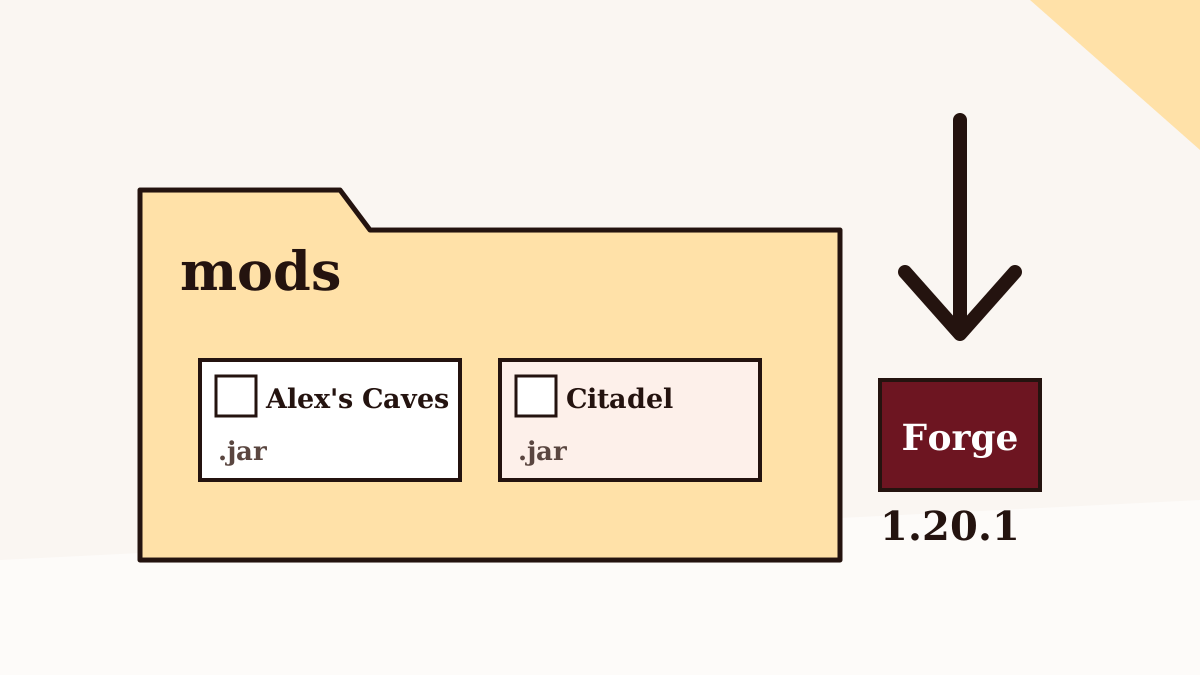
Alex's Caves needs the Citadel library. Download the Citadel build for Forge 1.20.1 from its official project page and put it in the same mods folder. If Citadel is present but still flagged, it is probably the wrong version; use the one the Alex's Caves file page lists as required.
The mod doesn't appear or reports the wrong Minecraft version
The official release is for 1.20.1. A 1.20.1 jar in a 1.20.4 or 1.21.1 instance won't load. Check the version shown in the launcher profile, not just the one you think you installed. For newer versions, read the 1.21.1 explainer.
Nothing happens on Fabric
Fabric ignores Forge mods. Use a Forge 1.20.1 instance, or read the Fabric guide for the unofficial alternatives.
I put the downloaded ZIP in the mods folder
The archive linked from this site's download section is the project's source code. It is not a compiled mod and Forge won't load it. Remove it from mods and use a release jar instead, or build one from the source if you know how.
Java errors on launch
Minecraft 1.20.1 and Forge for it expect Java 17. Errors about "unsupported class file version" or similar usually mean a different Java is being used. In the official launcher, let the profile use the bundled runtime; in other launchers, select Java 17 for the instance.
Out-of-memory crashes or long freezes
Alex's Caves is a large mod, and the official release jar alone is roughly 70 MB. If the log mentions OutOfMemoryError, raise the memory allocated to the instance. Our performance guide explains sensible amounts and why more isn't always better.
Kicked from a server with a mod or registry mismatch
Your client and the server must run the same Alex's Caves and Citadel versions. Ask the server owner for the exact files, or use the server's modpack.
Strange colours, missing fog or broken lighting
The developers recommend playing without shaders, because many shader packs alter or override the biomes' custom fog and lighting. Disable the shader pack and check again before assuming the mod is broken.
Crashes that only happen with other mods
Remove half of your other mods and test. Keep halving until the crash stops, and you'll have found the conflicting mod. Then check whether an update fixes it, or report it to the relevant project's issue tracker with your log attached.
Back to the Alex Caves Mod homepage, or browse all nine guides.