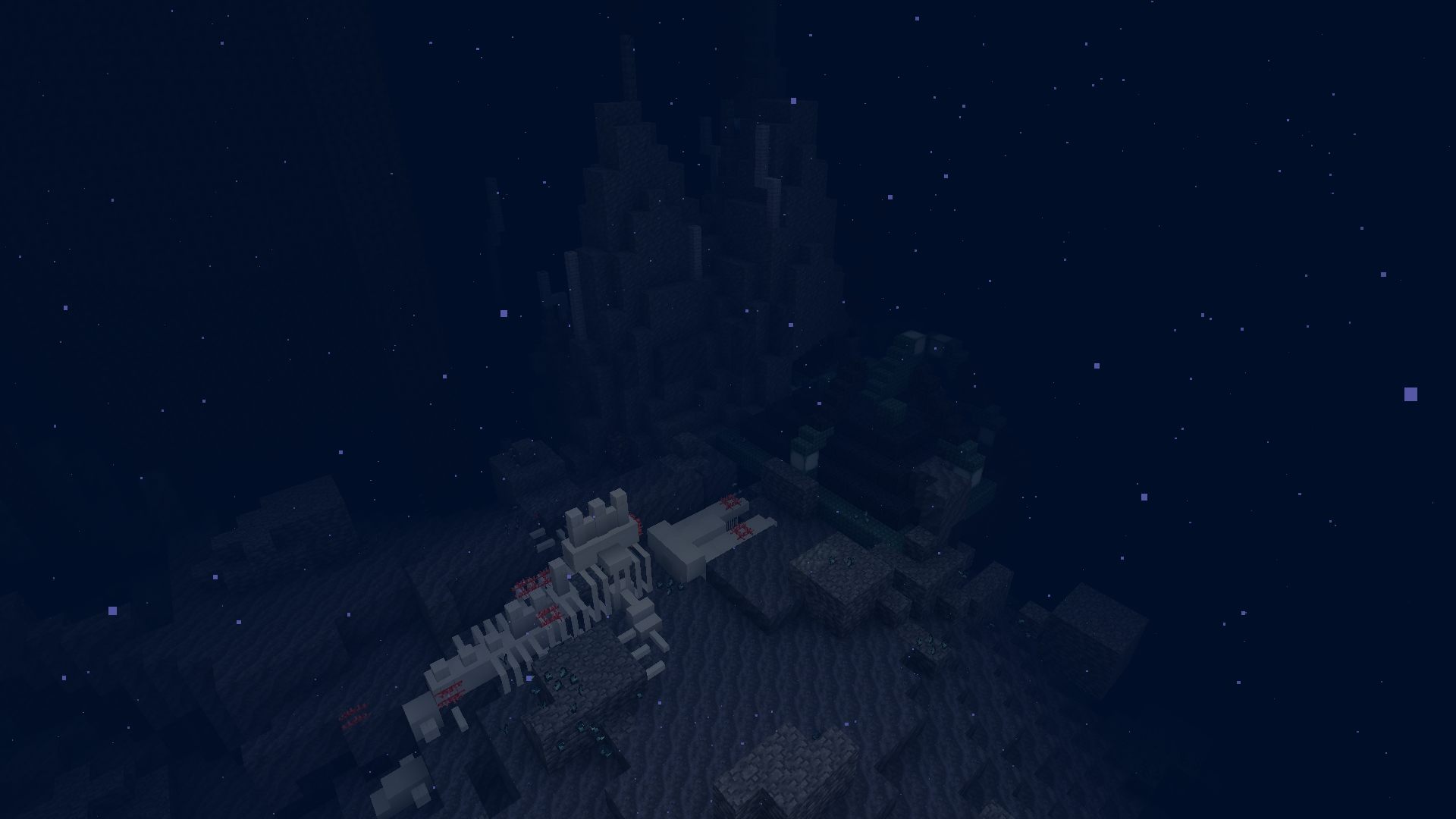
Abyssal Chasm in the original Java Edition mod. Screenshot: official Alex's Caves gallery, Alexthe668 and Noonyeyz. Java Edition reference image; not a Bedrock or mobile gameplay capture.
Many players search for an Alex Caves mod Minecraft Bedrock 1.21 download or simply Alex caves mod bedrock. Before you download anything that claims to be a Bedrock version, it helps to understand how Java mods and Bedrock add-ons differ.
Java mods vs Bedrock add-ons
Alex Caves Mod is a Java Edition mod distributed as a .jar file and loaded by Forge or NeoForge. Bedrock Edition uses a completely different engine and only supports add-ons made from behavior packs and resource packs (.mcpack / .mcaddon). A Java .jar file cannot be installed on Bedrock.
Is there an official Bedrock version?
We are not aware of an official Bedrock Edition release of Alex Caves Mod by its original creators. Any Bedrock add-on that uses a similar name is a separate project made by someone else, with its own content and quality.
Be careful with sites that offer an ".apk", ".exe" or "Bedrock 1.21 mod installer". These are not the Java mod and may contain unwanted software.
Your real options as a Bedrock player
Play the Java version
Check whether your account has access to Minecraft Java Edition and whether your computer supports the intended setup. Use a separate compatible Java installation for the original mod.
Try cave-themed Bedrock add-ons
The Bedrock add-on community creates many cave and biome packs. Treat them as different content, read their pages carefully and only install from sources you trust.
How Bedrock add-ons are installed (for reference)
- Download a
.mcaddonor.mcpackfile from a trusted creator. - Open the file – Minecraft Bedrock imports it automatically.
- Enable the behavior and resource packs in your world settings.
- Turn on any experimental toggles the add-on requires, preferably on a copy of your world.
Understand what the edition difference means
Minecraft Bedrock Edition and Minecraft Java Edition are separate game environments with different extension systems. The number 1.21 in a search phrase describes a game release, not a universal format for Minecraft mods. A Java JAR expects the Java game and a compatible loader; it is not a Bedrock behavior pack or resource pack. Renaming the extension cannot translate its code, entities and world generation into another edition. Identify the edition shown in your launcher or device settings before looking for files. This prevents a download search from sending you through installation steps that your copy of Minecraft cannot use.
Distinguish an adaptation from the original mod
A Bedrock project may use cave exploration as inspiration while implementing its own creatures, blocks and progression. That does not establish it as the original Alex Caves release. Read the author's description for what is actually included and whether the project claims any official connection. Compare a concrete feature list rather than expecting every image on a promotional page to represent playable content. If an add-on contains only a few themed mobs, evaluate it on that basis. Clear naming and specific descriptions are more useful than a promise of the complete Java experience without an explanation of how the content works on Bedrock.
Read screenshot captions carefully
The screenshot displayed with this article shows the Java Edition mod's cave environment. It illustrates the underground exploration that people are searching for; it is not evidence that the same scene is available in a Bedrock download. When evaluating any add-on, look for gameplay captured in the exact edition and release it supports. Check whether the author identifies the device, installed packs and any visual modifications used. A real screenshot can still be misleading when shown without context. Keep the image's subject separate from the platform compatibility claim so that you know what you are actually choosing to install.
Check what a Bedrock package contains
Bedrock add-ons commonly use resource packs for visual and audio assets and behavior packs for gameplay definitions. Some downloads package both together, while others provide separate components. Read the project's own installation instructions and activate the required packs on a test world. Do not assume that importing a file also enables it automatically for every world. Check any version or experimental feature requirements before continuing. An unrelated executable, browser extension or mobile application installer is not a substitute for a Minecraft content pack. If the package contents do not match the author's explanation, stop and verify the project instead of improvising installation steps.
Use a copied world for the first trial
Create a fresh Bedrock world or copy a disposable save before activating unfamiliar content. Open the world, confirm that the intended packs are enabled and check the features listed by the author. Save, leave and reopen it to see whether the setup persists. Keep your main world separate until you are satisfied with the result. Turning off an add-on later may remove or affect content that depended on it, so a backup is more useful than assuming every change can be reversed inside the same save. Record the selected pack versions alongside the world copy for future reference.
Consider device and multiplayer limits
A pack that imports successfully on one device may require a different installation route on another. Console platforms, mobile devices and desktop installations can have different ways to access content. Read the instructions for your actual platform rather than following a desktop file path on a phone. For multiplayer, check how the host distributes required packs and whether participants can download and load them. Test with one friend before moving a shared world. Performance also varies by device, so start with modest settings and observe loading time and responsiveness before combining several demanding add-ons in one session.
Evaluate performance with a small test
Compare the same world area with the new content enabled and disabled in separate test copies. Allow initial loading to settle before drawing conclusions. If the device struggles, lower render distance and reduce other active visual packs before assuming the content is unusable. Watch for persistent problems such as repeated freezes or missing textures rather than judging a single loading pause. Keep notes on the game version, device and installed packs. This makes it easier to reproduce the issue and decide whether a lighter alternative fits your hardware better than adding more content to an already demanding world.
Choose a realistic route to the desired experience
If your priority is the original Alex Caves gameplay, plan around a compatible Java Edition environment rather than a file advertised as a universal conversion. If your priority is playing on your existing Bedrock device with friends, evaluate independent cave themed add-ons according to their documented features. These are different goals and can lead to different choices. Avoid spending time on a claimed download that never explains its edition or dependencies. A modest add-on with clear instructions may serve a Bedrock world better than a broad promise that cannot show which mechanics are included or how they are maintained.
Keep a clear record before updating Bedrock
Game updates can change how an add-on behaves, so preserve a world backup and the author's stated compatibility information before a major change. Check the pack's release notes and test an updated copy instead of relying on the original advertisement. If a pack stops working, document the old and new game versions and the exact symptoms. Do not replace your only working world with repeated experiments. Maintaining this small record helps you separate a game update issue from an installation problem and gives the creator a clearer explanation if you decide to report the failure.
Conclusion
Alex Caves Mod is a Java Edition mod, so there is no genuine Bedrock 1.21 download of it. Bedrock players can try separate cave-themed add-ons from trusted creators, or play the real mod on Java Edition. Avoid any site that offers an .exe, an .apk or a "Bedrock installer" for this mod.