Where to download Alex Caves Mod safely
Popular mods attract copycat download pages, and Alex's Caves is very popular. Knowing where the genuine files live, and what they look like, takes most of the risk out of it.
The genuine sources
The mod's developers publish it in three places. We are naming them rather than linking them, so that you can check the address yourself:
- CurseForge, on the project page titled "Alex's Caves", which lists every release file with its Minecraft version and loader.
- Modrinth, on the Alex's Caves project page, where AlexModGuy is shown as the owner and Noonyeyz as the artist.
- GitHub, in the AlexModGuy/AlexsCaves repository, which holds the source code and the issue tracker.
Release .jar files for playing come from CurseForge or Modrinth. GitHub is where the code lives.
What this site's download button gives you
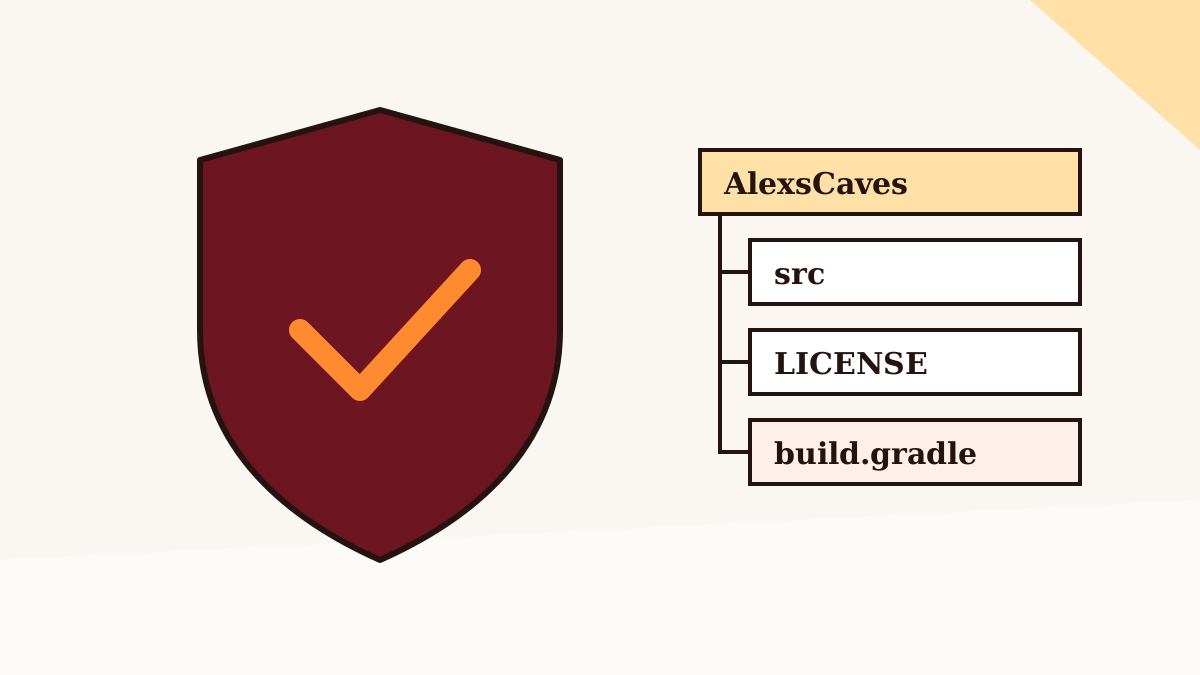
The button in our download section fetches a ZIP of the main branch of the GitHub repository. That is the project's source code, straight from GitHub, and it's useful if you want to read the code, study how the mod works, or build it yourself. It is not a playable mod file. The main branch can also differ from the latest published release.
If you do build from source, Forge mod projects are normally built with the Gradle wrapper included in the repository and a Java 17 development kit; the compiled jar usually lands in build/libs. Only do this if you're comfortable with the process.
Red flags on other sites
- The download is an
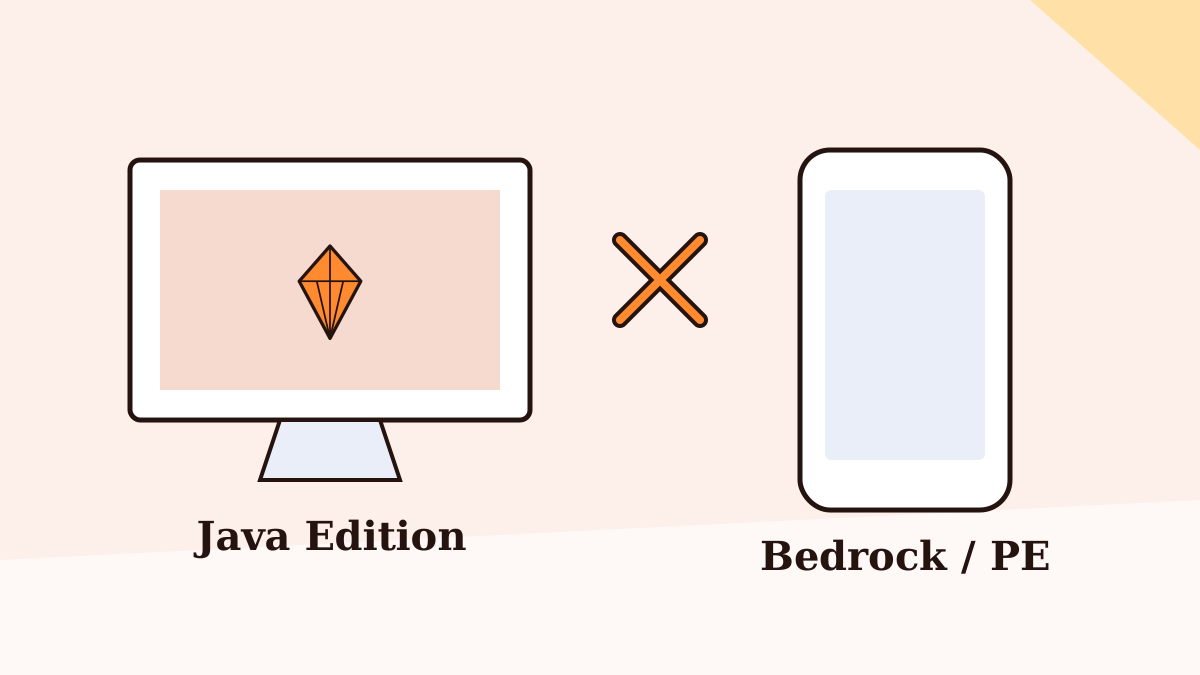
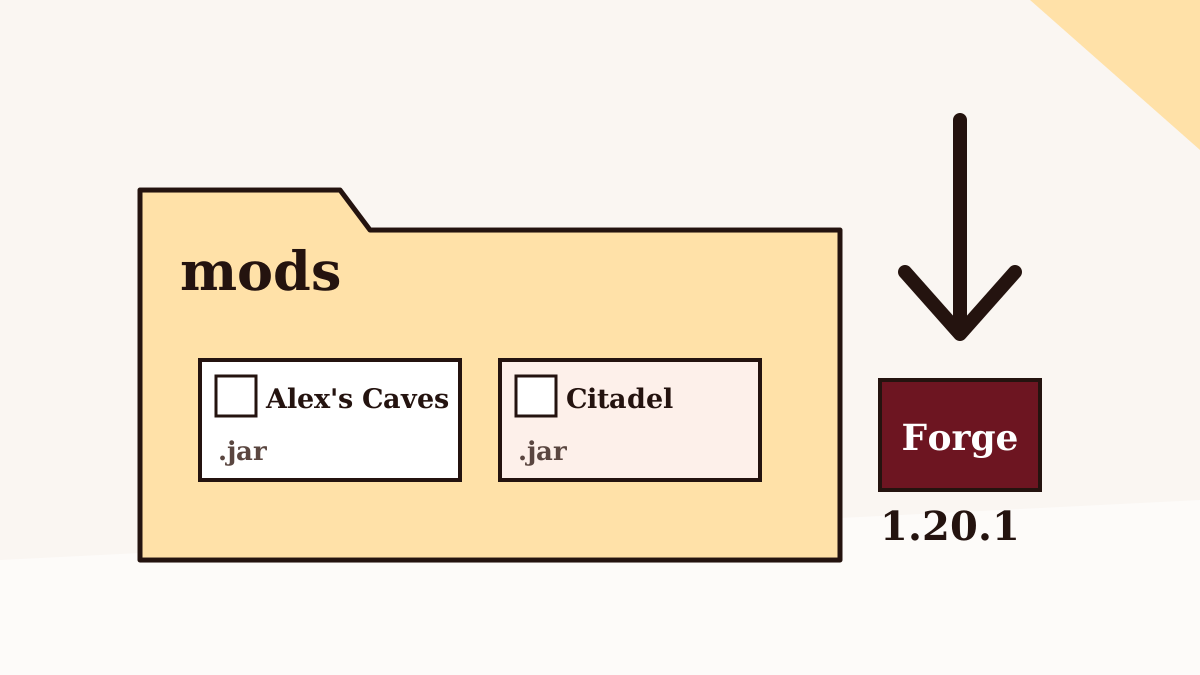
.exe,.msi,.apkor.batfile. Forge mods are.jarfiles. - The page claims a Bedrock or Pocket Edition version of the mod. The developers don't publish one; see our Bedrock guide.
- You're asked to complete surveys, install a "downloader", or disable your antivirus.
- The version numbers or supported Minecraft versions don't match the official pages.
- The page has no author information and exists mainly to show a download button.
Checking a file you already have
Modrinth shows file hashes for each release. If you have a jar from somewhere else, you can compute its SHA-1 or SHA-512 hash and compare it with the listing. A mismatch means it isn't the same file. Running any downloaded file through an up-to-date antivirus scanner is sensible too.
Unofficial ports are a separate question
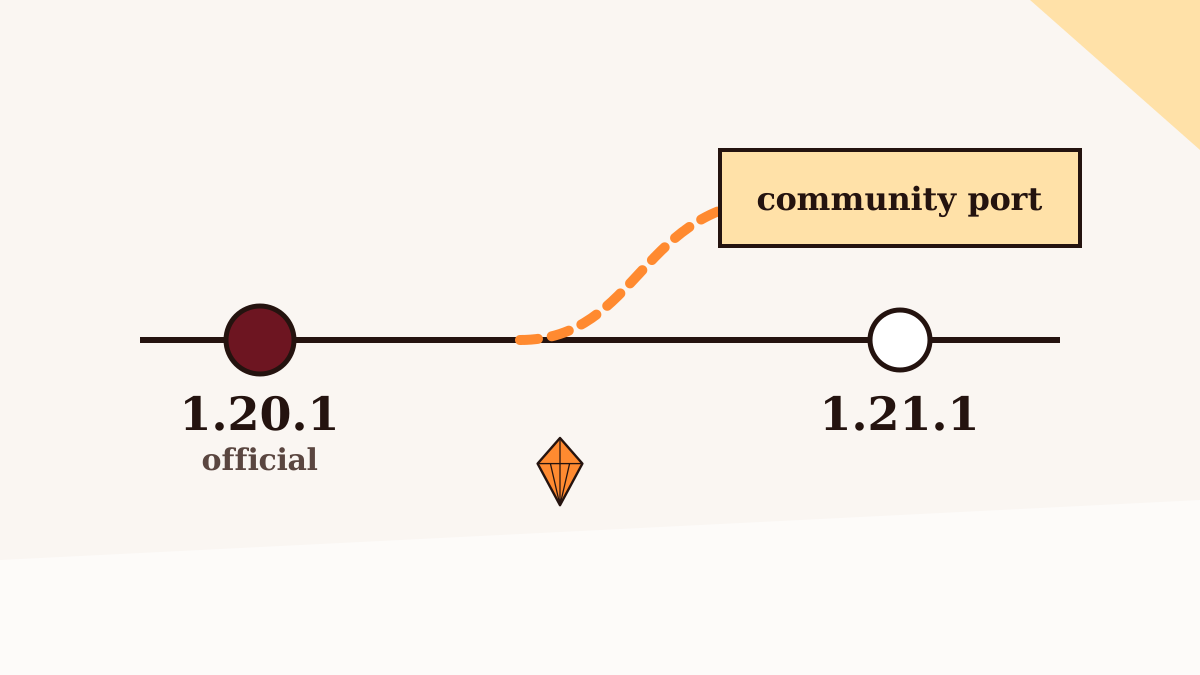
Community ports for newer versions and other loaders are published under their own names by other people. They can be legitimate, but they're not the original team's files. See the 1.21.1 explainer for how to approach them.
Back to the Alex Caves Mod homepage, or browse all nine guides.